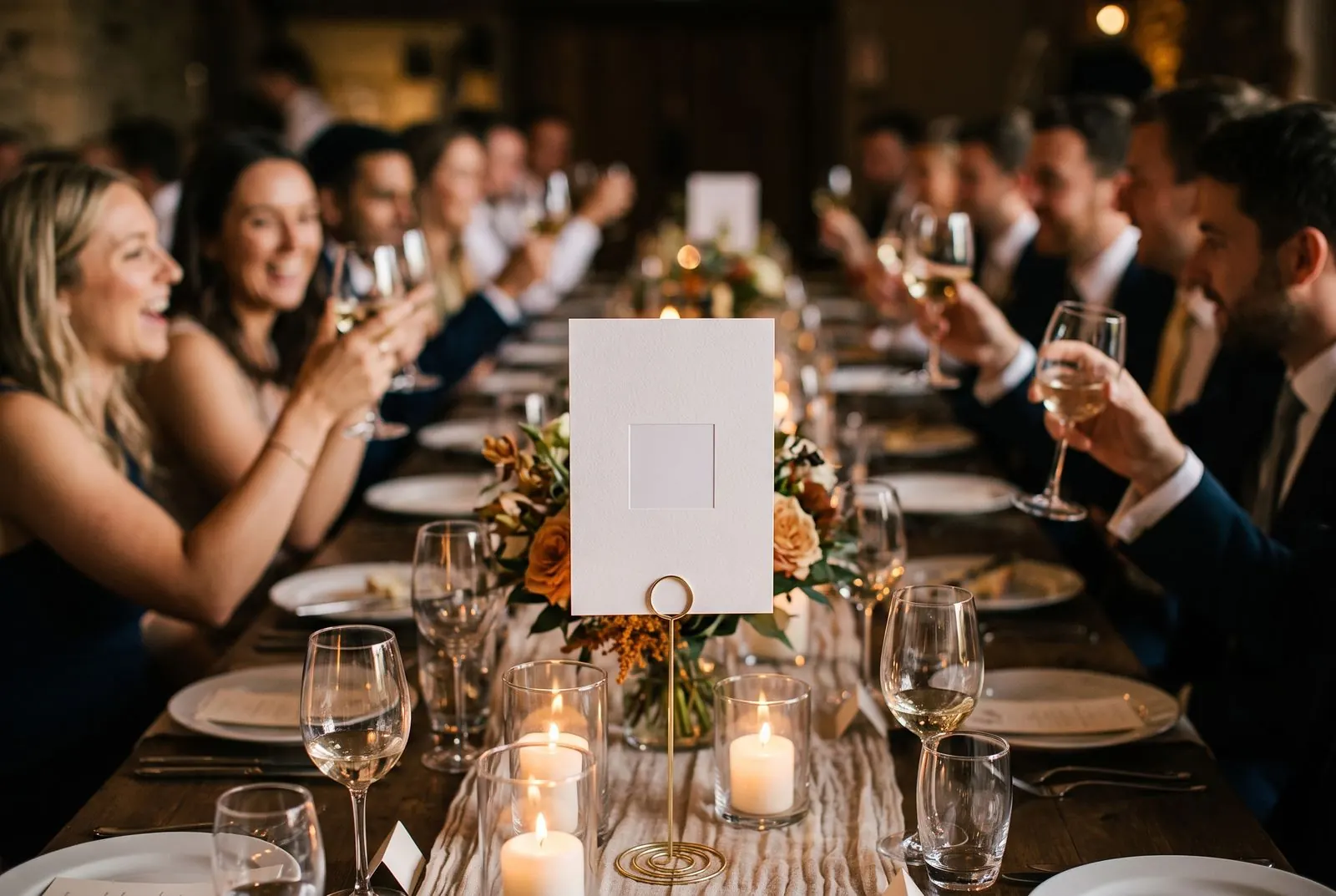
Free QR code generator for wedding and event photos.
Make a QR code for wedding photos, a birthday party or any event in under a minute, as a print-ready table card, sign or sticker. Paste your event link, pick a theme and download. It’s free, with no sign-up for the PNG.
How to make a QR code for wedding photos (or any event).
- 1
Get your event link
Create a free Sharefetti event to get a link like sharefetti.com/e/your-names, or paste any link where guests should upload, such as a shared album.
- 2
Pick a theme and format
Table cards for each table, a large sign for the entrance, stickers for favours or the bar. Match your colours or your event type.
- 3
Download and test
Download the PNG or print-ready PDF, then scan it with your own phone before printing to make sure it opens the right page.
- 4
Print and place it
Put one card on every table and a sign where people wait, like the bar or photo booth. Mention it in a speech for a big jump in uploads.
Size matters
Print the QR code at least 2.5 cm (1 in) wide for table cards and 10 cm (4 in) for signs viewed from a few steps away.
Keep the contrast
Dark code on a light background scans best. Keep a white border around the code and avoid glossy finishes under bright lights.
Tell people what happens
A short line like “Scan to share your photos, no app needed” gets far more scans than a code on its own.
How do I make a QR code for wedding photos?
Create a free Sharefetti event to get your gallery link, pick a QR card theme and download it. Guests scan the code with their phone camera and upload photos straight into your gallery, without an app.
Can I make a QR code for party photos too?
Yes. The same free QR code generator works for birthdays, kids’ parties, showers, graduations and company events. Pick the theme that matches your event.
Is this QR code generator really free?
Yes. The PNG download is free with no sign-up. The print-ready PDF needs an email address or a free Sharefetti event.
Will my QR code expire?
The code itself doesn’t expire; it always opens the link you entered. With a Sharefetti event, that link shows your gallery while it’s live and an “ended” page after it closes.
Can I use the QR code with Google Photos or another album?
Yes, you can paste any link. With a Sharefetti event, guests don’t need a Google account or app, and you get the slideshow and guestbook too.
Can I print these at a print shop?
Yes. Sharefetti hosts can download a print-shop PDF in preset sizes, from 4 × 6 in table cards to 24 × 36 in signs, with bleed and crop marks. Staples, local printers and online print services all accept it.