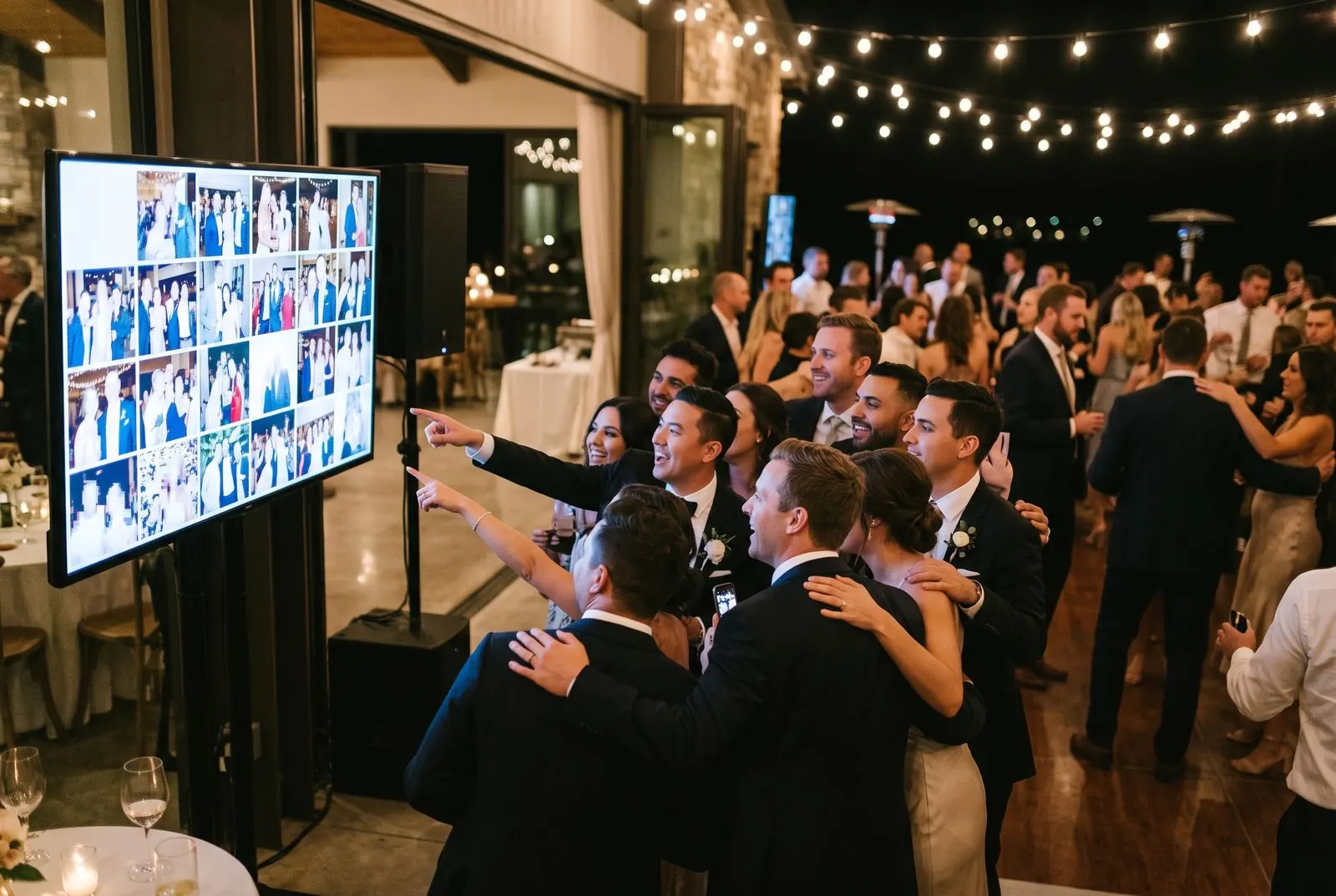


How to show guest photos on a TV or projector.
If the screen has a web browser, it can run the slideshow. Nothing to install, and it keeps running if the Wi-Fi drops for a moment.
Smart TV or venue screen
- Open the TV’s web browser
- Go to sharefetti.com/tv
- Type your six-character slideshow code
Cast from a laptop or phone
- Open your Slideshow settings
- Tap “Open slideshow”
- Cast the browser tab to the screen
Laptop to projector by HDMI
- Connect the laptop with an HDMI cable
- Open the slideshow link in Chrome or Safari
- Press F (or the full-screen button)

TV, projector or laptop.
Open the slideshow link on whatever the venue has: a TV by the bar, a projector on a brick wall, or the DJ’s laptop. Enter the four-digit code and it starts.
Only what you want, on the screen everyone can see.
Approved photos only
Turn on approval and nothing reaches the screen until you or a moderator taps Approve.
Hide anything instantly
Remove a photo from the slideshow from your phone, and it disappears from the screen within seconds.
Captions and names
Show the guest’s first name and caption, or turn them off for a cleaner look.
Your QR code on screen
A corner QR code invites more guests to join in, which is when uploads really pick up.
Speed and layout
Choose how long each photo shows, single photo or collage, and whether videos play.
Your brand (Business)
Add a company logo and colours to the slideshow frame, for galas, launches and conferences.
Which plans include the live slideshow?
Gallery and individual downloads for up to 10 guests, kept 7 days.
For up to 50 guests. Upgrade any time, even on the day, and pay only the difference.
Live slideshow, approval, captions and QR on screen. Unlimited guests (fair use 1,000).
Everything in Celebration with your logo and colours on screen, for up to 2,000 attendees.
What is a live photo slideshow for events?
It’s a full-screen display of your event’s photos that updates on its own as guests upload. New photos appear on the screen within seconds, mixed in with earlier ones.
How do I show guest photos on a TV at a wedding or party?
Open the slideshow link on any smart TV, laptop or projector, enter the TV code, and guest photos start appearing in seconds. Turn on approval if you want to check photos before they show.
Can I use it as an event photo wall?
Yes. On a big screen or projector at a conference, gala or wedding, the live slideshow works as an event photo wall that updates itself, with your QR code in the corner so more guests join in.
What do I need to run it?
Any screen with a web browser (a smart TV, a laptop connected to a projector, or a cast device) and an internet connection at the venue. Nothing to install.
Can I stop inappropriate photos from showing?
Yes. Turn on photo approval and only photos you approve reach the screen. You can also hide any photo instantly from your phone.
Does the slideshow play videos?
Yes, short videos can play muted in the slideshow. You can turn videos off and show photos only.
What if the venue Wi-Fi drops?
The slideshow keeps cycling through the photos it already has and picks up new ones when the connection comes back.
Can I add music?
The slideshow is silent so it doesn’t clash with your DJ or speeches. Play music from your own speaker if you like. You’re responsible for having the right to play it.