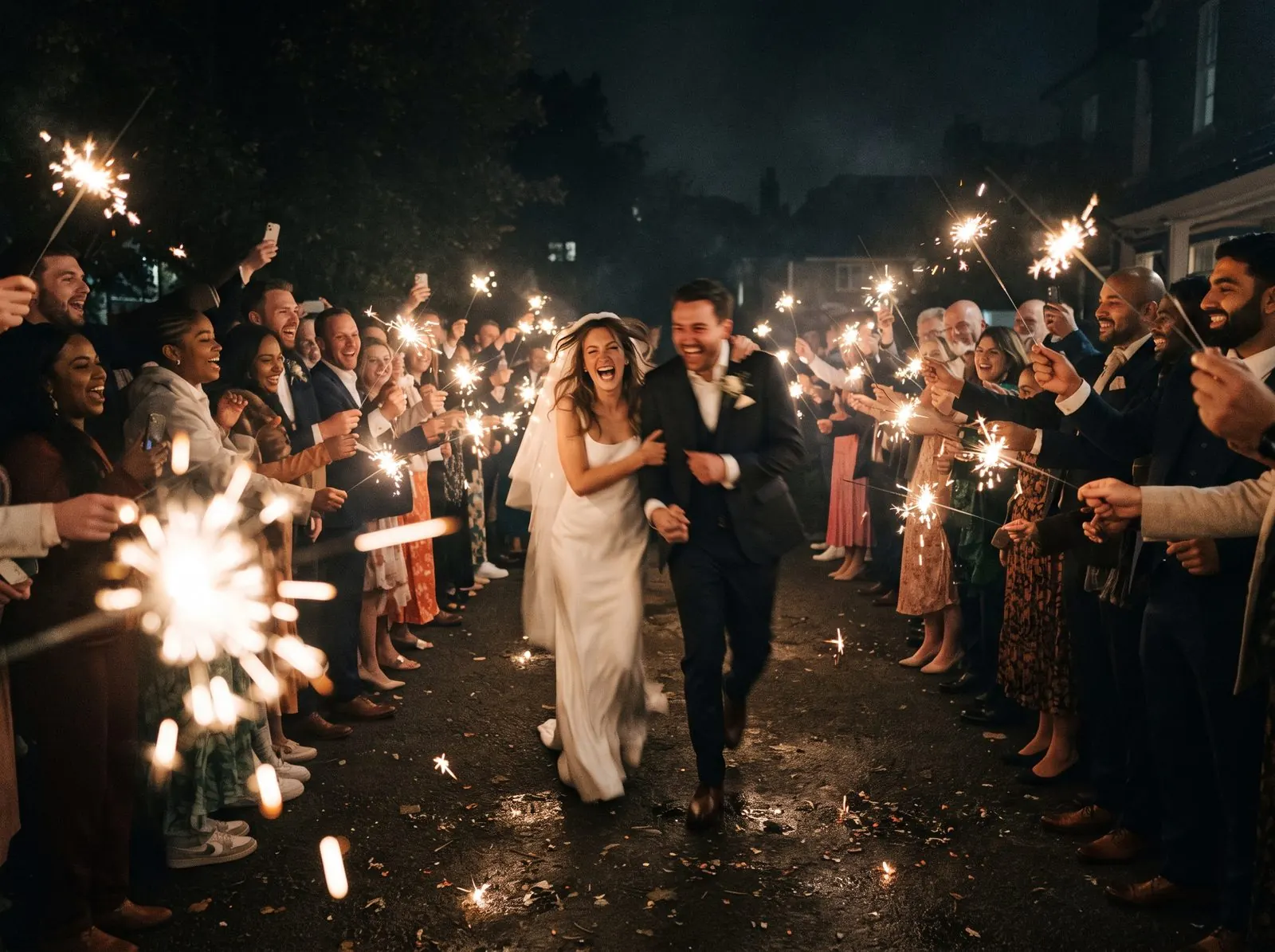
- Start from the original files, not screenshots or chat copies.
- Pick favourites in two passes: a quick “yes/no”, then a careful cut.
- A 12-megapixel phone photo prints sharply at about 10 × 13 inches.
- Thank-you videos of 1 to 3 minutes get watched and shared.
Collect and download everything
- Close uploads once most photos are in, usually a week or two after the event.
- Download the full gallery in original quality as a zip.
- Unzip it into one folder and make a backup copy before you start editing.
Picking favourites
Guest galleries are full of near-duplicates. Go through quickly once and mark only the clear “yes” photos, then go through the yeses and cut them down to your final set.
- Include every group of guests: family, friends, colleagues, kids.
- Mix wide shots of the room with close-ups and candid moments.
- Keep a few funny or blurry-but-perfect ones; they’re often favourites.
- Aim for 40 to 80 photos for a book, or 30 to 60 for a short video.
Making a thank-you video
- Open a free editor such as iMovie, CapCut or Clipchamp.
- Add your photos in the order the event happened.
- Show each photo for 2 to 3 seconds and add short video clips from guests.
- Add music and a closing thank-you message.
- Keep it to 1 to 3 minutes and export at 1080p.
If you’ll post the video on social media, use music you have the rights to, such as the platform’s own music library. Platforms may mute or block videos with copyrighted songs.
Making a photo book
Print quality depends on pixels. For sharp prints, aim for about 300 pixels per inch at the printed size. Most phone cameras take 12-megapixel photos (about 4000 × 3000 pixels), which print well up to around 10 × 13 inches.
| Print size | Pixels needed (300 ppi) | Typical phone photo |
|---|---|---|
| 4 × 6 in | 1200 × 1800 | Plenty |
| 8 × 10 in | 2400 × 3000 | Fine |
| 10 × 13 in | 3000 × 3900 | About the limit |
| Full-page spread | Depends on the book | Use your sharpest photos |
Photos compressed by messaging apps may be much smaller than this.
- Use the original downloads, not screenshots.
- Order a proof or a small book first if you can.
- Leave a page for guest messages or a printed QR code that links to the voice guestbook.
Every photo, in original quality
Sharefetti lets you download the whole gallery, including videos and guestbook messages, as a zip. Celebration galleries are kept for 3 months and can be extended up to 6 months after the event.
Frequently asked questions
How many photos should go in a thank-you video?
For a 1 to 3 minute video, 30 to 60 photos with a few short clips works well, at 2 to 3 seconds per photo.
Are phone photos good enough for a photo book?
Yes, if you use the original files. A typical 12-megapixel phone photo prints sharply at about 10 × 13 inches.
How do I download all guest photos at once?
In Sharefetti, open your event’s photos and choose Download all to get everything as a zip in original quality.
When should I send the thank-you video?
Within a few weeks of the event, while it’s still fresh. It can go out with your thank-you notes.
Written by the Sharefetti team. We build QR code photo sharing for weddings, birthdays and company events, and we test every tip at real events.