- Put a QR code where parents stand: by the cake, the snacks and the door.
- Send one message the same evening, while the photos are fresh.
- Keep the gallery private and tell parents who will see it.
- Remove any photo a parent asks you to, without asking why.
At the party
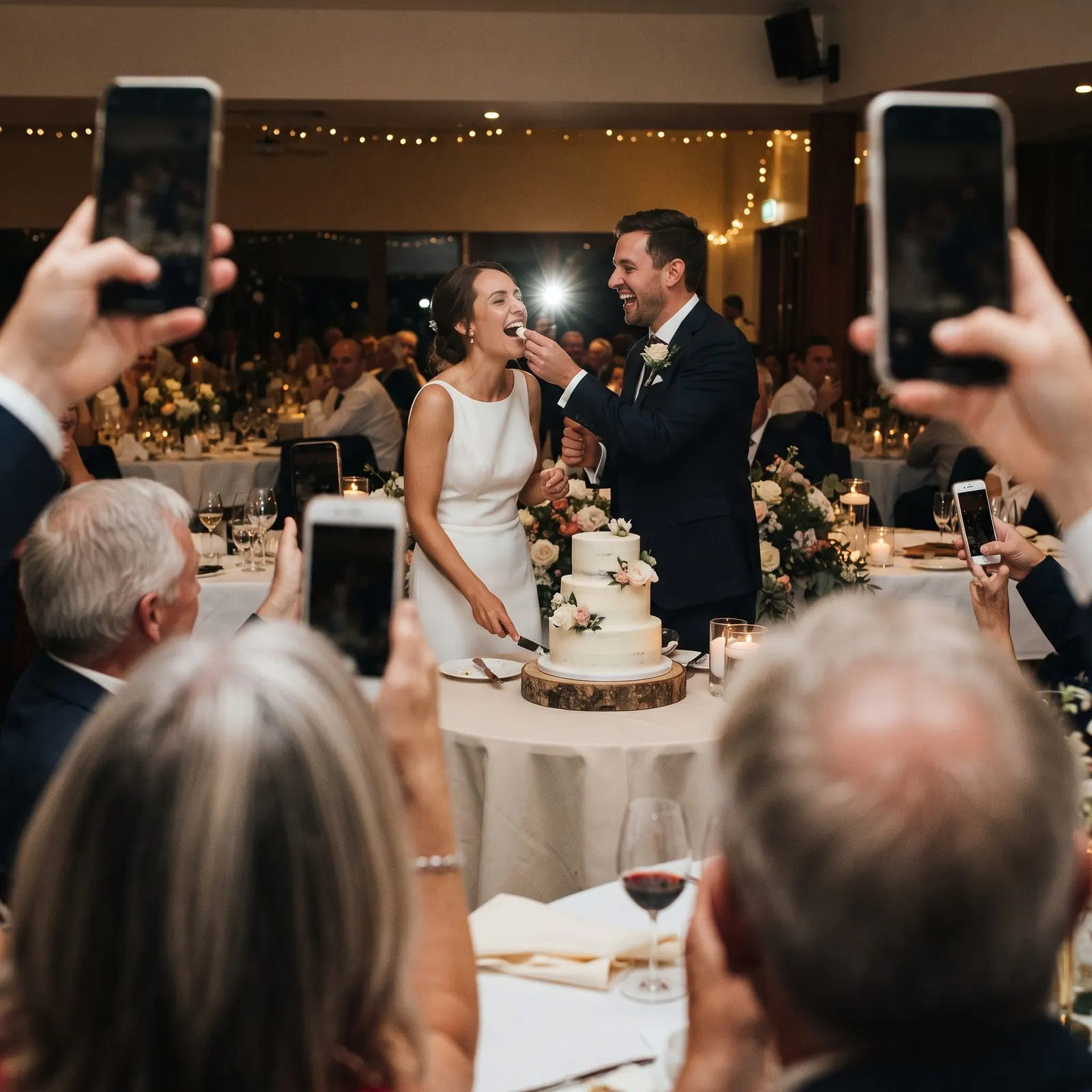
Parents take dozens of photos during the cake and the games, then forget to send them. A QR code where they’re already standing turns “I’ll send them later” into a ten-second upload.
- Put a small sign by the cake table and another by the snacks or drinks.
- Mention it once, just after the cake, when everyone has their phone out.
- Use a gallery that doesn’t need an app or account; parents won’t sign up for something at a kids’ party.
After the party
Send one message to the parents’ group or by text the same evening. People are most likely to share while they’re scrolling through the day’s photos.
Thank you for coming to Maya’s party! If you took any photos, we’d love to see them. You can add them here, no app needed: [your link]. The album is private and only shared with families who were there.
Sharing photos of other people’s children
Some families prefer their children’s photos not to be shared, sometimes for important reasons. A few simple habits keep everyone comfortable:
- Keep the gallery private: share the link only with families who came.
- Say so on the sign or in your message: “Private album, only shared with party guests.”
- Don’t post other children’s photos on social media without asking their parents.
- If a parent asks you to remove a photo, remove it. No explanation needed.
In Sharefetti, any guest can report a photo from the gallery (for example, “I’m in this photo”). It’s hidden for them straight away and you decide whether to remove it. You can also hide or delete any photo yourself.
Other ways to collect them
| Option | Works well when | Watch out |
|---|---|---|
| QR code gallery | Mixed iPhone and Android parents | Paid for bigger parties |
| Shared album (Google Photos or iCloud) | Everyone uses the same platform | Some parents need an app or account |
| Group chat | Small groups who already chat | Photos get compressed and buried |
| AirDrop | A couple of iPhone users nearby | Android phones are left out |
Free for small parties
Sharefetti is free for up to 10 guests and 50 photos, and Gathering covers up to 50 guests for $19 CAD / $15 USD, paid once. Parents scan and share in their browser.
Frequently asked questions
How do I ask parents to share party photos?
Send a short, friendly message the same evening with one link, and mention that the album is private. Most people share when it takes seconds.
Is it OK to post photos of other people’s kids?
Ask the parents first. Keep party photos in a private album and only share them with families who were there.
What if a parent wants a photo removed?
Remove it straight away. With Sharefetti, guests can report a photo and you can hide or delete it from your dashboard.
Do parents need to download an app?
Not with a QR code gallery like Sharefetti. It opens in the phone’s browser on iPhone and Android.
Written by the Sharefetti team. We build QR code photo sharing for weddings, birthdays and company events, and we test every tip at real events.