Every photo from the kids’ party, without chasing the parents for them.
Sharefetti makes kids’ party photo sharing simple: one big QR code at the door, and parents add their photos to one private album from their phones at drop-off or pickup. No app, no group chat, and you approve what gets shared.


What is kids’ party photo sharing?
Sharefetti is a private QR code photo album for kids’ parties. Parents scan one code, upload photos and videos of the children’s birthday party from their phone without an app, and the host approves and downloads everything from one gallery.
How to collect photos from a kids’ party
-
01
Create the party
Add the birthday child’s first name, the date and a cover photo. Photo approval and a password are two switches away.
-
02
Put the QR where parents are
An extra-large code on the door sign, the cake table and the goodie-bag tag, so parents can add photos on the drive home.
-
03
Approve and download
Photos wait for your OK before other families see them. Download the whole party as one zip.
Kids’ party photo sharing for parties that move fast.
Two hours, twenty kids, and every parent filming a different corner of the room.
Birthday parties at home
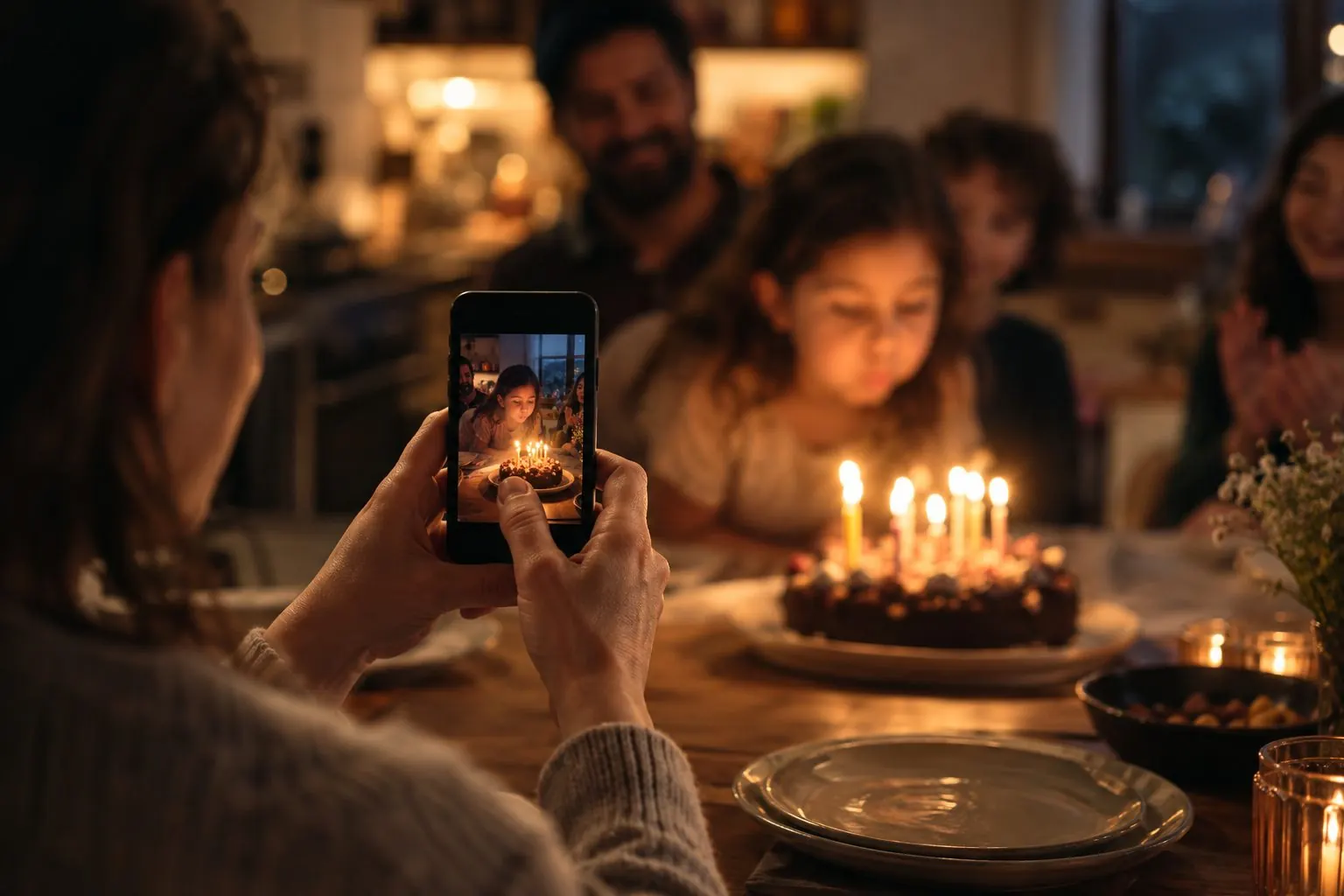
The cake, the candles and the present pile, from every parent’s angle.
Play centres and party venues
A sign at the party-room door is all it takes. Guests use their own mobile data or the venue Wi-Fi.
Goodie-bag tags
A small QR tag on each bag reminds parents to share what they took on the way home.
Team and recital wrap parties
One album for the whole team or class, with a password only the families know.
Class celebrations
Room parents collect end-of-year photos in one place instead of twelve group chats.
Grandparents who couldn’t come
Send them the link so they can see the party, and leave a birthday wish.


Gathering
Most kids’ parties are under 50 families, and the photos are wanted that week, not next year.
- Up to 50 guests uploading (+50 more for $10 CAD / $8 USD)
- Unlimited photos, and videos up to 30 seconds
- Written guestbook
- Download everything as one zip
- Gallery kept 15 days after the event
- Every QR card theme
Kids’ party
Bright colours, playful shapes and an extra-large QR code that’s easy to scan from across a busy room.
You decide who sees the photos.
Kids’ parties are full of other people’s children, so the controls sit with you, the host.
Photos can carry details like when and where they were taken. Remind parents they can turn off location tagging in their camera settings. Anyone who can see a photo can also screenshot it, so share the link only with families you trust.
Kids’ party photo sharing FAQ
More answers in the Help Centre.
How do I get photos from other parents after a kids’ party?
Put the party’s QR code on a sign and on goodie-bag tags. Parents scan it and add their photos to one album, during the party or on the way home. You download everything as one zip.
Is it safe to share photos of children online?
You control who can see the album. Add a password, turn on photo approval and choose whether guests can download. No tool can stop someone screenshotting what they can see, so share the link only with families who were there.
Is there an app where parents scan a QR code to share party photos?
Yes, and nobody has to download it. Sharefetti works in the phone’s browser: parents scan the QR code with their camera, type their name and pick photos. The host approves them before other families see them.
Do parents need to download an app?
No. They scan the QR code with their phone camera, type their name and choose photos. It works on iPhone and Android.
How much does a kids’ party photo album cost?
You can set up and test for free. The Gathering plan is $19 CAD ($15 USD) per party for up to 50 guests, paid once, with no subscription.
How long are the photos kept?
Gathering keeps the gallery for 15 days after the party. Galleries can be extended (+1 month $5 CAD / $4 USD, +3 months $12 CAD / $9 USD) up to 6 months after the event date, never longer. Download your originals to keep them for good.