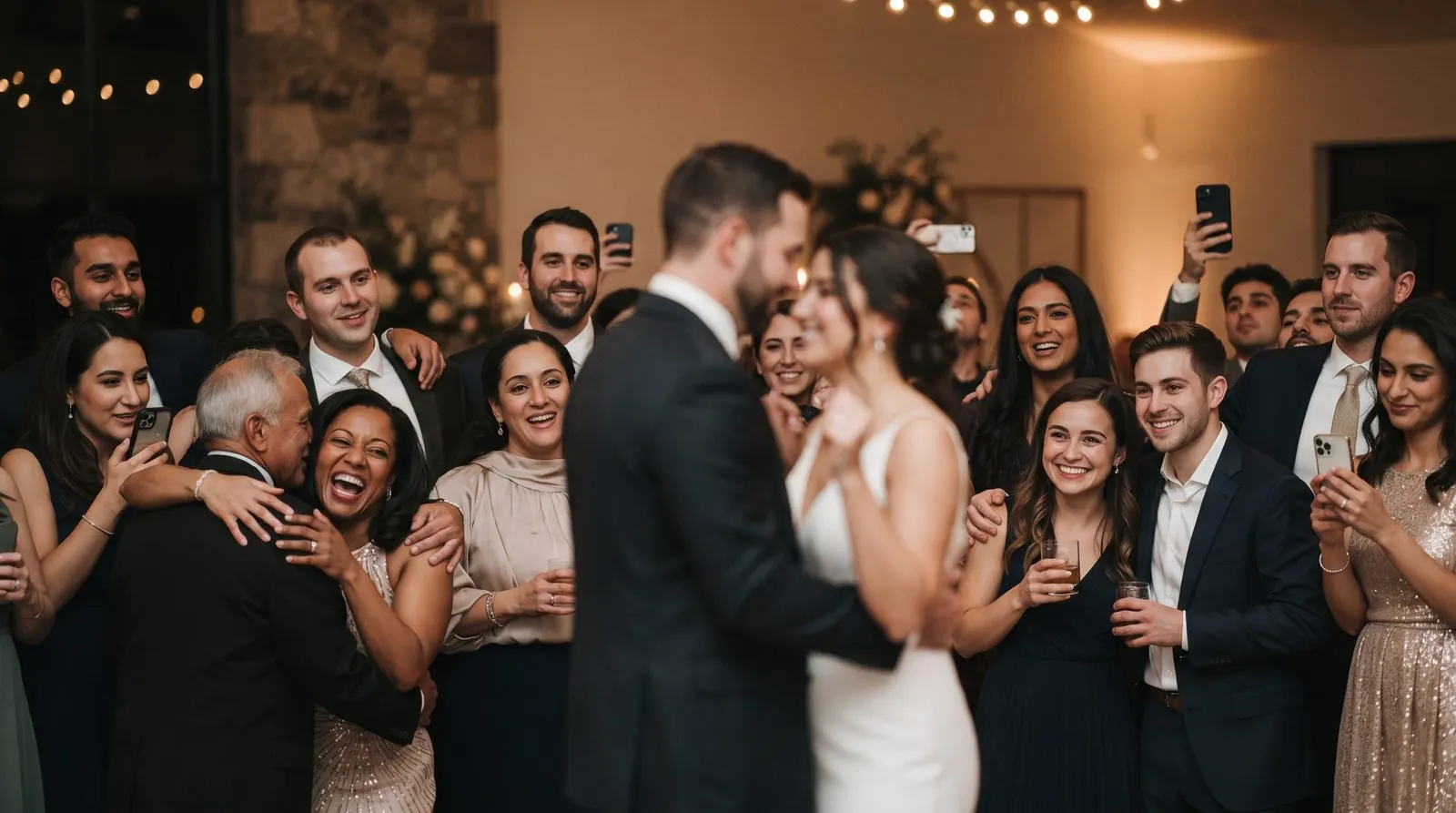
- A QR code on every table gets the most photos, because nothing needs installing.
- Combine methods: QR gallery on the night, a reminder message the next morning.
- Ask for originals, not chat-app copies, if you want to print them.
- Download and back up everything within a few weeks of the wedding.
1. A QR code photo-sharing gallery
Put a QR code on every table, at the bar and on a welcome sign. Guests scan it with their phone camera, type their name and pick photos from their camera roll. Everything lands in one gallery you control, in full quality.
- No app or account for guests
- Works on iPhone and Android
- Slideshow and guestbook options
- Paid for bigger events
- Galleries are time-limited, so download yours
2. A shared album (Google Photos or iCloud)
Create a shared album and send the link in your wedding website or a follow-up text. It’s free and works well when everyone uses the same platform.
- Free
- Familiar to many people
- Some guests need an app or account
- Mixed iPhone/Android groups often struggle
3. A wedding hashtag
A hashtag on signs and the program lets guests post to Instagram. It’s great for public posts, but you’ll only get the photos people choose to post publicly.
- Free and fun
- Guests may already post
- Low-resolution, public posts only
- Private accounts and stories are missed
4. Disposable cameras or camera apps
Physical disposable cameras on tables or a “develop later” app create a nostalgic feel, but they don’t capture the photos guests are already taking on their own phones.
- Playful, retro look
- Kids love them
- Film and developing costs
- Many shots come out blurry or dark
5. Ask everyone after the wedding
A message the week after asking guests to send photos. It works for close friends, but most guests mean to and never do.
- Costs nothing
- Good as a backup
- Very few people follow through
- Photos arrive compressed through chat apps
The five methods compared
| Method | Effort for guests | Photo quality | Share rate | Cost |
|---|---|---|---|---|
| QR code gallery | Low: scan and tap | Full quality | High | Free to $79 CAD |
| Shared album | Medium: may need an app | Depends on settings | Medium | Free |
| Hashtag | Medium: must post publicly | Compressed | Low | Free |
| Disposable cameras | Low | Film quality, mixed | Medium | $15–25 per camera + developing [verify] |
| Ask afterwards | High: they must remember | Compressed in chats | Low | Free |
Share rate is our rough estimate from host feedback, not a measured statistic.
This is why we built Sharefetti
Themed QR table cards, no app for guests, a live slideshow at the reception and a voice guestbook. Free to set up; Celebration is $79 CAD / $59 USD, paid once.
Frequently asked questions
What’s the best app to collect wedding photos from guests?
The best option is one guests don’t have to install. A QR code gallery like Sharefetti opens in the phone’s browser, so everyone from your grandparents to your college friends can share.
Where should QR codes go at a wedding?
On every table card, at the bar, at the photo booth and on a welcome sign at the entrance. Mention it in your MC’s announcements too.
How do I get photos from guests after the wedding?
Send one short message the next day with the same link, and ask people to add their favourites. Keep the gallery open for uploads for a week or two.
How long should the gallery stay open?
Keep uploads open for at least a week. Sharefetti keeps Celebration galleries for 3 months, with the option to extend up to 6 months after the wedding.
Written by the Sharefetti team. We build QR code photo sharing for weddings, birthdays and company events, and we test every tip at real events.